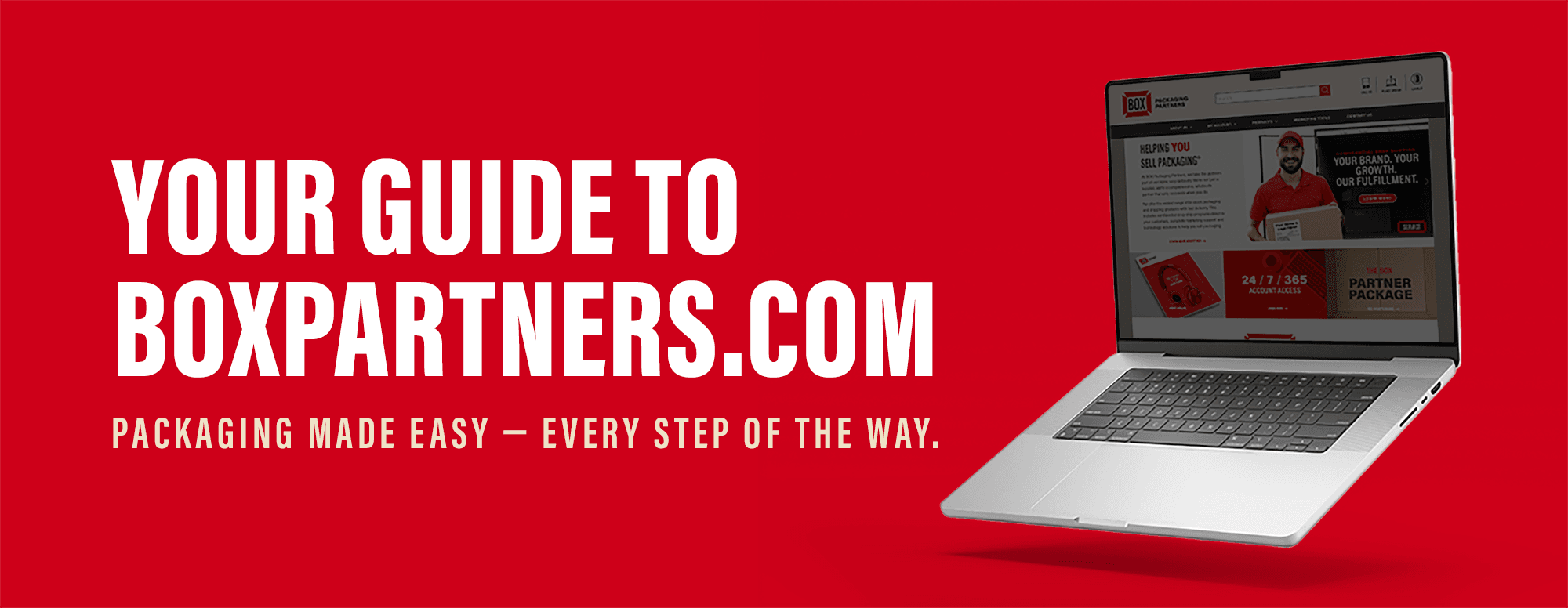
BOX Partners’ Private Label Website program empowers you to launch your own fully branded e-commerce experience — giving your customers access to over 20,000 packaging and industrial products, all under your name. Getting your site up and running is simple. Follow the steps below to complete your setup and begin selling online.
Initiate the Process
Please reach out to our PLW team via email at privatelabelwebsite@boxpartners.com to initiate your build. Our team will gather any additional technical information and apply default settings which can be updated at any time.
Access Your Website Back Office
To begin customizing your site, sign in to your account. From there, select My Account, then go to Website Back Office, and choose Administration. From here, you can manage orders, view reports, update payment methods, and enhance the look of your site. If you do not have access, please reach out to your account administrator.
You will need to review and accept the Terms Agreement before proceeding.
Choose Your Website Design
To update your website’s appearance, select Website Styles.
• Theme Preference: Choose your color theme.
• Header: Upload your logos to be displayed on the header.
• Homepage Preference: Select your preferred website layout.
You can update your color theme, logo, and homepage preferences at any time.
Add Your Company Information
To personalize your website, navigate to the appropriate sections within the Website Back Office:
• Contact Us: Add your phone number, email, address, and social media links.
• About Us: Update the default page with information about your company.
• FAQ: Customize the default FAQ content to fit your business.
These sections help establish credibility and create a stronger connection with your customers.
Set Up Payment Options
Under Order Processing you can choose how you want to accept payments on your site:
• Credit Cards: Set up an Authorize.net account. Our team will help connect it to your PLW.
• PayPal: Click on the PayPal tab to add your PayPal information. Create or log into your PayPal Business account and complete any required PayPal updates/integrations.
• Open Account: Orders will be invoiced directly by you.
You can also configure different payment methods for different customers.
Configure Order Processing & Notifications
To update order processing and customer notifications, go to Order Processing and select your preferences.
• Releasing Orders: Choose to automatically or manually release approved credit card orders. Open account orders must be manually released.
• Order Acknowledgements: Send automatic confirmations when orders are placed, including item, pricing, freight, and tax details.
• Shipping Acknowledgements: Send notifications when orders ship, including shipping method and tracking information.
Set Up Sales Tax
Click the Sales Tax tab to enter the applicable tax rate for each state in which you are required to collect sales tax.
Rates will be charged on orders shipping to these states, unless you define otherwise by individual customer for exemption status in the Customer maintenance section.
We recommend consulting a tax professional for guidance on your obligations.
Configure Item Pricing and Freight
Item Pricing: Default pricing is set as a markup from your current cost. Your site will automatically update as costs change, helping you maintain margins without ongoing maintenance.
Once your site is live, you can customize pricing by customer, category, or item at any time by navigating to Pricing in the Website Back Office.
Freight Pricing: Default freight settings are applied during setup and will be used for all customers unless customized.
You can update freight markups or discounts under Pricing in the Website Back Office. Customer-specific freight policies and options like customer pickup can be managed within Customer Maintenance.
You're Ready to Go
With your site live, you can begin accepting orders right away.
You’ll manage everything through your Website Back Office, while your site stays current with automatic product updates, making it easy to focus on serving your customers and growing your business.
Our team is here to support you every step of the way. If you need help completing your setup or have questions about your Private Label Website, please contact us at privatelabelwebsite@boxpartners.com.
For additional guidance, review the frequently asked questions below.
How long does it take to set up my Private Label Website?
Setup time can vary depending on how quickly all requirements are received (SSL certificates, domain information, and payment setup). Once everything is received, the PLW team will work with you to complete your build and get your site live as efficiently as possible.
Do I need to maintain or update the product catalog?
No. Your website is designed to be low maintenance. New products and updates are automatically added to your site, so you’ll always have access to the latest offerings without additional work.
Can I customize pricing for different customers?
Yes. You have full control over pricing and can set customer-specific pricing, as well as general pricing for new or prospective customers visiting your site.
What payment options can I offer my customers?
You can accept credit cards (via Authorize.net), PayPal, or offer open terms. Payment methods can be set at the site level or customized by customer.
Can I add my own products to the website?
Yes. In addition to BOX Partners’ product offering, you can create your own custom items for customers to order directly through your site. Custom items are customer specific and can be created under the Customer maintenance section.
How do I manage orders placed on my website?
All orders are managed through your Website Back Office, where you can review, release, modify, or track orders as needed. You can also choose how orders are processed based on your preferences.
How do I maintain the carousels?
Your website home page is updated automatically with featured products so you can focus on your customers.
Why do I need an SSL certificate?
An active SSL certificate keeps your website secure, protects your customers, and helps build trust by showing your site is safe to use. It’s also required for processing online payments.
Who do I contact if I need help?
Your dedicated BOX Partners representative or the PLW team is available to assist you with setup, customization, and ongoing support.